
Technology
How AI SEO Is Changing the Future of Website Rankings in 2025
2.3k 40

Feb 22, 2025
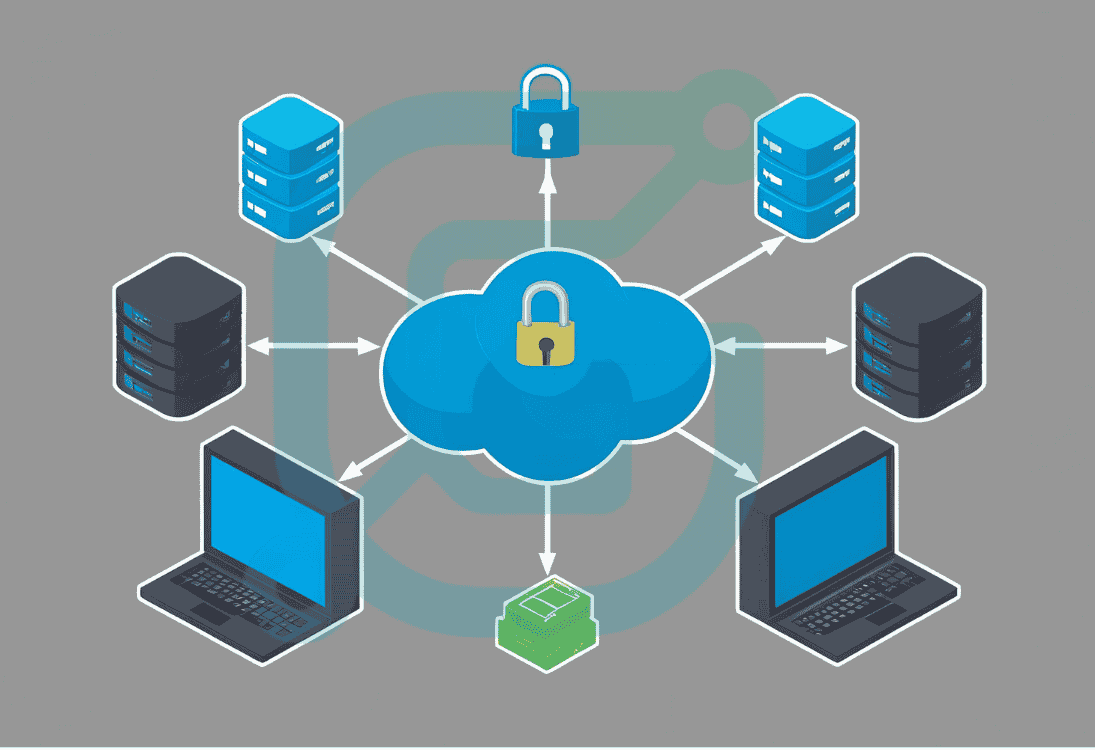
office network setup
Team GlyteTech
In today’s digital workplace, having a reliable and secure office network is crucial for maintaining business productivity. A fast, secure network ensures that your team has quick access to necessary resources, while also protecting sensitive company data from cyber threats. In this guide, we'll walk you through the essential steps for setting up a fast and secure office network.
The foundation of a fast and secure network starts with selecting the right equipment. This includes: 1. Router: Choose a router with a high throughput (speed) and advanced security features like WPA3 encryption. 2. Switches: If your office has multiple computers and devices, consider investing in a managed switch that allows for better control and network monitoring. 3. Access Points (APs): For larger offices or multi-floor buildings, installing Wi-Fi access points throughout the office can ensure strong and reliable internet signals. 4. Firewall: A hardware or software firewall protects your network from external threats and unauthorized access.
Planning your network layout is essential to ensure that each device has a stable connection. For wired networks, ensure that cables are properly routed through walls or ceilings to avoid clutter. For wireless networks, make sure that your access points are placed strategically around the office to avoid dead zones and provide equal coverage throughout the space.
Network security is vital for protecting your business's sensitive data and resources. Here are a few practices you should follow: 1. Use Strong Passwords: Set complex and unique passwords for your router, switches, and firewall. 2. Enable Encryption: Use WPA3 encryption for Wi-Fi networks to prevent unauthorized access to your network. 3. Update Firmware: Regularly update the firmware of your networking devices to fix vulnerabilities and improve performance. 4. Set Up a Guest Network: Isolate guest devices on a separate network to prevent them from accessing your company’s internal resources. 5. Use VPN: For employees working remotely, set up a secure VPN (Virtual Private Network) to ensure safe data transmission over the internet.
Network performance can greatly impact the efficiency of your business operations. Here are some tips to optimize your network’s speed: 1. Use Quality of Service (QoS): Prioritize important traffic such as video calls, VoIP, or business-critical applications to ensure they don’t suffer from network congestion. 2. Use Wired Connections Where Possible: Wired Ethernet connections are faster and more stable than wireless, so connect key devices (e.g., desktop computers, servers) via Ethernet. 3. Upgrade Your Internet Plan: If your internet connection is slow, consider upgrading to a higher-speed plan from your ISP.
Once your network is up and running, it’s important to continuously monitor its performance and security. Regular network maintenance will help prevent potential issues and optimize performance. Use network monitoring software to track traffic, detect unusual activity, and get alerts for any network issues.
At GlyteTech, we specialize in designing and setting up high-performance office networks. Our expert team ensures that your network is not only fast but also secure. We work with businesses in Mumbai and Navi Mumbai to create tailored networking solutions that support your team’s productivity and protect your data. Whether you’re setting up a new office network or upgrading an existing one, we have the skills and experience to get the job done right.
Setting up a fast and secure office network is an investment in your business's future. By following these steps, you can ensure that your network supports your team’s efficiency, productivity, and data security. If you need help with your office network setup, reach out to GlyteTech’s networking experts for personalized solutions and ongoing support.
.png?updatedAt=1746380965509)